Switching a settings page should change the list of options while preserving the in-game interface. In Gameplay, however, switching 1→2→1 could change the appearance of the lower strip: the long page interfered with the HD HUD's orbs, while the shorter page could preserve the artwork.
The cause was reproduced, and the fix in commit 1e28d7b5a has already reached the same Iniciar-Tristram.cmd launcher, on October 8, 2026, at 19:51, Brasília time. Menu drawing and pagination now account for the space actually occupied by the HUD.
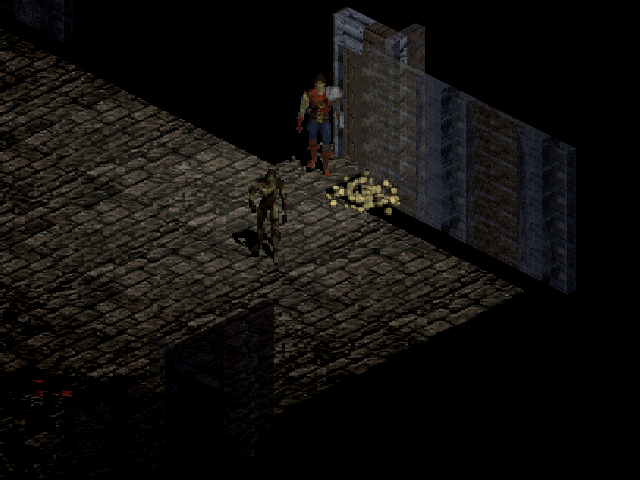
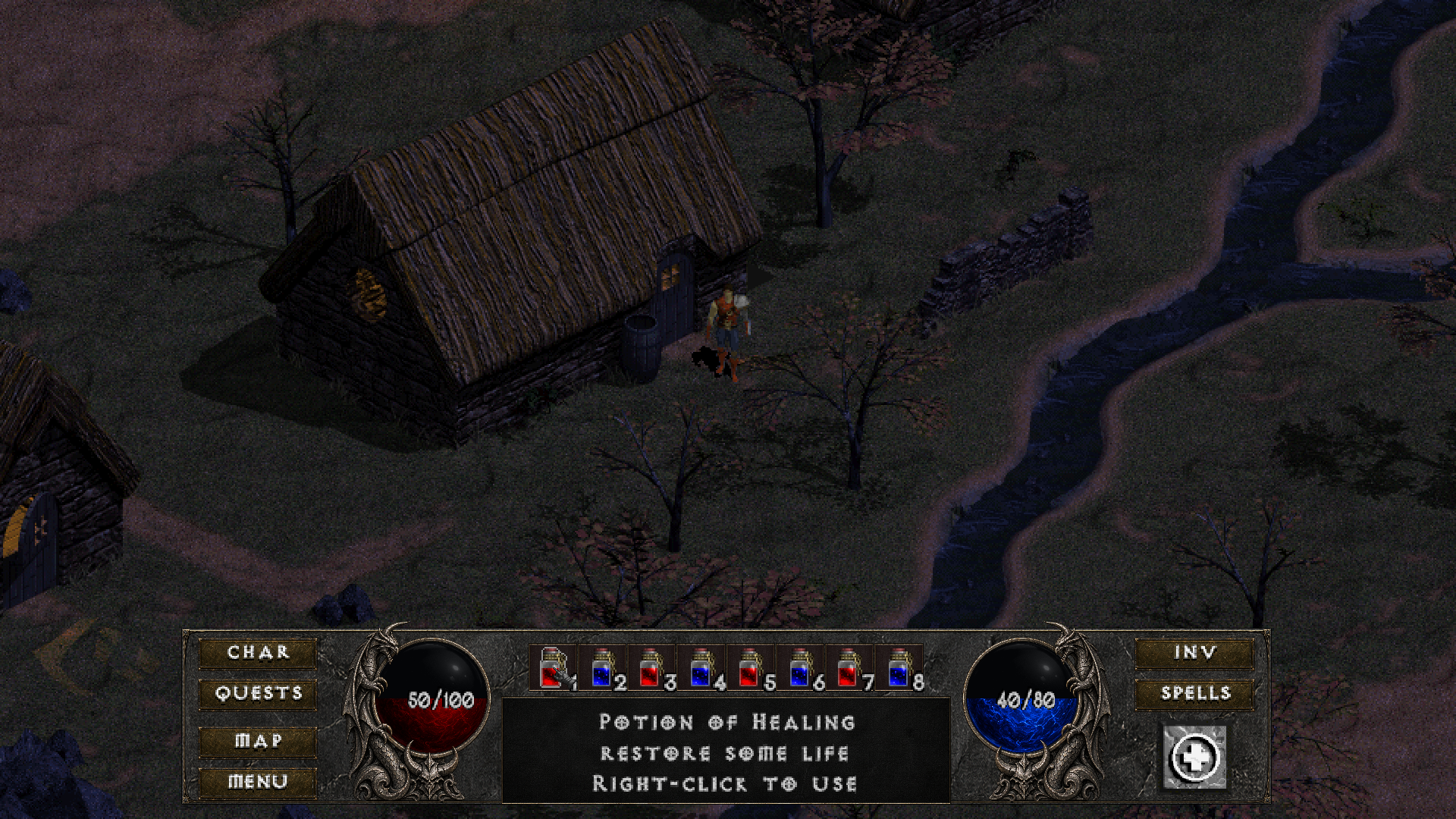
The opening image is a historical offscreen technical composition, already published in the items and HUD article. It predates this fix: it is not a capture of this update and does not demonstrate the 1→2→1 sequence. No new capture has been added to this publication.
Why the long page affected the orbs
The menu still calculated its available height from the native 128-pixel panel. That limit did not account for the visible area of the HD HUD's scaled orbs and buttons. With more options on the first page, the menu panel extended into that area.
When it detected the overlap, a compositor safeguard refused to draw the HD artwork in that frame, returning the technical state Inactive. The shorter page did not need to occupy the same space and could let the HUD appear. Reproducing the issue before the fix confirmed this overlap in Full HD.
This explains why switching pages appeared to change the HUD without changing an interface preference. The documentation for this revision records the cause and the fix.
The menu follows the visible area
Drawing and the number of entries per page now share the same limit, calculated from the visible frame, orbs and buttons. In multiplayer, Chat and Friendly are also included. Authored layouts are respected; without an active HUD, the legacy limit remains.
The visible consequence is simple: a page may have fewer lines to leave the orbs clear, preserving the font size and access to every option. With the default single-player layout, the test confirmed 14 entries per page at 1920×1080, compared with 18 under the historical calculation, and 9 at 640×480. Multiplayer and custom layouts may produce different capacities.
The change does not redraw the artwork or move the HUD's clickable areas. Drawing and clicks continue to use the same menu rectangles; callbacks, commands and input routines were preserved. The adjustment brings geometry and pagination under one common rule.
Comparing before, after and the return to the game
The comparison used the previous and corrected versions with the same diagnostic, the original world rendered on the CPU and the software SDL compositor. There were 36 frames per version, with 623 structural checks in each run.
The sequence repeated pages 1→2→1, activated the footer with Enter and the mouse, returned to the game, opened and closed the character and inventory panels, and changed the logical resolution from 1920→640→1920. Every eligible frame in the corrected version displayed the HD artwork without overlap or drawing failure.
The 13 HUD rectangles remained identical between versions. Across 14 returns to the previous state, comparison of the lower region found zero differing pixels. This supports visual continuity on those returns; it does not represent a comparison of every possible panel combination.
The Release/NONET x64 build passed, as did the regression suites:
| Check | Result |
|---|---|
| Settings and navigation | 59,916 checks passed. |
| Production input path | 2,777 checks passed. |
| HUD | 946 checks passed. |
The project's own Full HD and compact-resolution samples were visually inspected, with no new technical blocker. Resizing and composition were offscreen; no physical window was tested.
Installed in the usual launcher
The main integrator merged, built and installed the fix. The three aliases received the same executable, with a backup and no process terminated. The 44 profile files retained their bytes, sizes and timestamps; subsequent launcher preparation changed only the expected runtime receipt.
Models, textures, lights, music, saves and the usual preferences were preserved. The update also retained the camera, WASD and wheel controls, repeating the production input checks. The operational state for this revision maintains the existing visual-review and performance queue.
What to check in a play session
The next check is to open Esc → Settings → Gameplay, go through the pages, open and close the other panels and return to the game through the usual launcher. Additional layout combinations and extended sessions remain for evaluation.
The images sent by the author were not accessible in this round and were not compared. The project's own technical reproduction supports the fix for the exercised case, while confirmation of the fix in the user's usual play session and the user's artistic approval remain pending.
There was no run on a physical GPU, no physical input or focus test, and no new FPS measurement. This update fixes how the menu and HUD coexist; earlier performance improvements remain documented in their own articles.