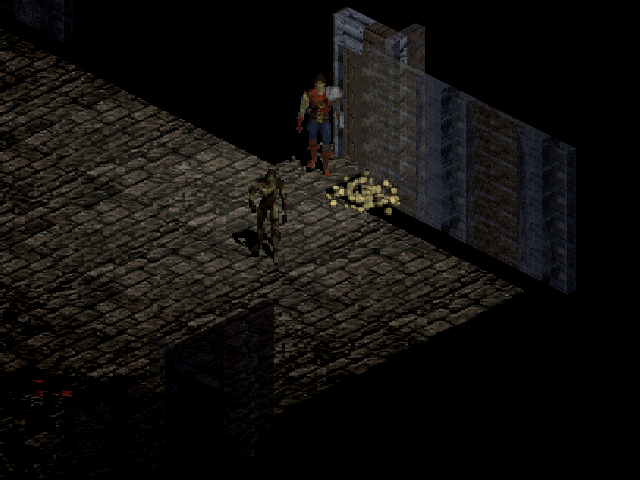
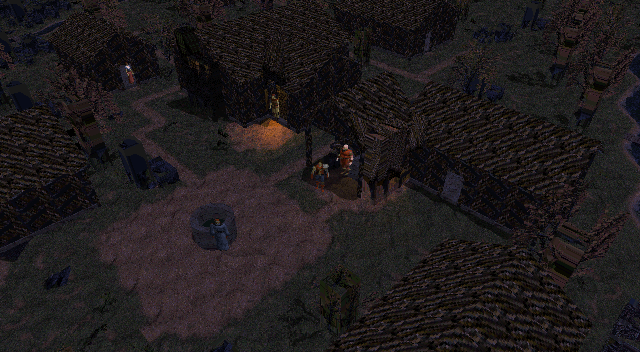
After establishing view switching, the work turned to giving the buildings structure. An isometric scene is composed for a particular direction. Once the camera can move around it, the renderer must account for what lies behind a roof, along the sides of a wall and in parts the original image never showed.
This publication of October 7, 2026 brings together the local v2 stage. Its diagnostics are preserved in diagnostics/v2-gog, recorded at 06:19 that day. The local versions did not receive individual commits: their results were consolidated in the first public D3D commit. The screenshots should be read as records of that process, before the later v4 refinements.
Buildings connected to the actual map
V2 already checked for architectural meshes, finite coordinates and triangles with valid area. The geometry had to stay within the object's region and reference the correct tiles from the native scene. The scene cache was also rebuilt to check that the same input produced the same geometry.
These criteria help avoid placing buildings solely for their appearance on screen. A house's location belongs to the game map; changing the camera must not change its position in the world. The test also checked that scene construction and queries preserved the map and townspeople's state.
Particular attention was paid to the Cathedral entrance. Its access points remained available after the visual replacement. This constraint remains part of the project: walls and roofs must respect existing doors, passages and interactions. A complete representation of an object must retain the openings used by the game.
A camera the player can control
The camera gained a full orbit, with adjustable tilt, distance and framing. Tests covered eight directions around the orbit, as well as the zoom and tilt limits. A 360-degree rotation should return to the initial ground projection without accumulating a framing offset.
Dragging with the middle mouse button rotates and tilts the camera; the wheel zooms in or out; Shift with the middle button pans the view. A movement can begin only inside the scene area. Switching modes cancels an active drag, and Home resets the camera. These rules make it possible to control the world while menus and other windows retain their functions.
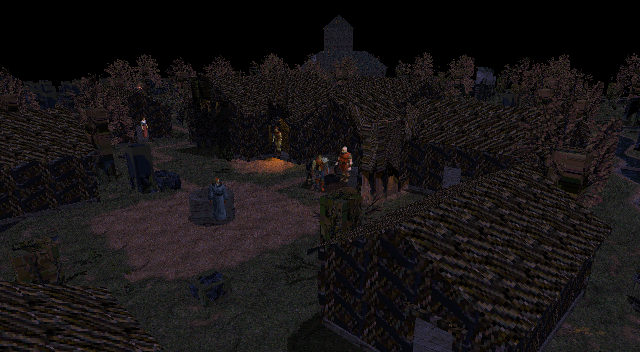
A low tilt helps reveal surfaces and overlaps hidden by a higher view. This image shows the state of v2, without later corrections.
Following a continuous walk
The camera follows the hero, but native walking has start and end positions between cells. If framing uses only the map's integer position, it can jump at the end of each step. The v2 diagnostics checked interpolation between those positions without changing the walking state.
In the tested fixture, visual displacement during the step was 17 pixels, with a one-pixel difference at completion. This result belongs to that framing; it is not a universal measurement of all animations. What matters is that the camera moves with the character while the game continues to decide where the character can walk.
The geometry still needs visual review
Valid triangles, a stable camera and preserved passages are necessary checks. The fidelity of a roof, door or window requires comparison with the original composition and inspection of the reconstructed sides. The contribution guide describes this whole-object review.
The next stage deepened this comparison: it separated the physical limits of walls from the visual area occupied by the artwork and made the difference between the original backend and mesh rendering explicit.