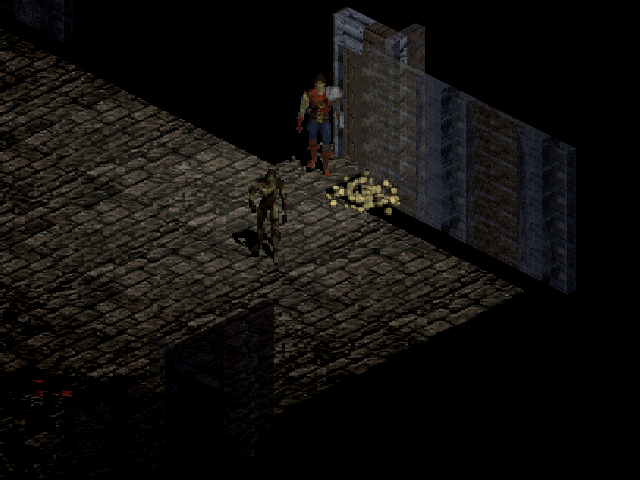
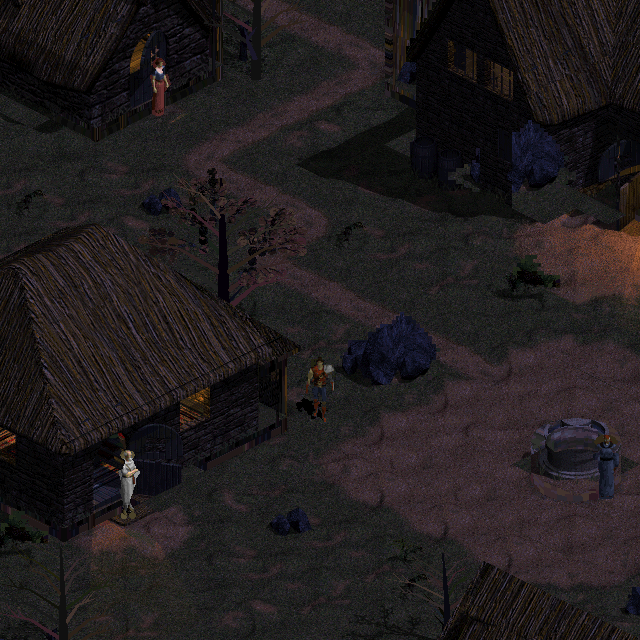
The Tristram prototype now has an optional renderer that runs on the graphics card. The pilot uses Direct3D 11 on Windows, within DevilutionX, and was published in commit c8329403e. The immediate goal is to reduce the cost of drawing the same scene while preserving the game and the hut with its current lighting.
After the technical tests, the project lead tried the GPU version in the usual game session and reported (translated from Portuguese):
It improved a lot!!
This first observation confirms a perceived performance improvement during use. It complements the controlled measurement below without adding a frame-rate figure or representing complete approval of the 3D models. This article was updated on October 8, 2026 to record that milestone.
The screenshot above belongs to the previously published v4 stage. The evidence for this delivery consists of the results described in the versioned GPU renderer documentation; no new local screenshots have been added to the site.
The same game, a different rendering path
The GPU receives the geometry, materials, lights, shadows and identifiers prepared by the prototype. It produces color, depth and selection, which return to the buffers used by the existing interface. Simulation, the map, collision and saves remain in DevilutionX. The hut and its lighting were preserved; this change neither regenerates models nor represents final artistic approval.
The CPU path remains available. If the GPU backend fails or exceeds its budget, the entire frame is redrawn on the CPU. This avoids combining a new image with depth or selection from another frame. Home continues to use the original renderer, and the procedural levels have not yet received 3D reconstruction.
Options during the game
On Windows, open Esc → Options → Video Options → 3D GPU Rendering. 3D Edge Smoothing controls antialiasing separately. Choices persist in the profile and take effect on the next draw; turning GPU rendering off and on allows another attempt after a failure.
Outside the game, the options are under Settings → Graphics. GPU rendering is off by default in the public build. Preparing the project lead's local profile enabled only GPU rendering and preserved the other preferences. The prototype's indicator distinguishes active GPU rendering, a selected CPU path and automatic CPU fallback.
Less time spent drawing the world
The controlled run used Windows, a Radeon RX 570 and an Intel Core i7-14700, with the same hut, lighting and frozen fire. Each number is the median of five calls after warming up each backend.
| Condition | CPU | GPU |
|---|---|---|
| 640×352, 1×, forced geometry at the original camera angle | 24.8 ms | 8.1 ms |
| 960×540, 2× per axis | 191.8 ms | 40.9 ms |
| 1920×1080, 1×, native zoom enabled | 154.00 ms | 29.58 ms |
At Full HD, world drawing time was reduced by a factor of about 5.2. The measurement includes GPU readback and downsampling where applicable, but excludes the interface and SDL presentation. This is not a measurement of the final in-game frame rate. Times vary between runs and do not guarantee the same improvement on another computer.
Selection and recovery are part of the test too
Six actual scenes with different cameras and densities passed, along with synthetic GPU tests, CPU → GPU → CPU switching, recovery after failure and 25 launcher tests. Turning GPU rendering off restored the CPU reference exactly; Home retained the original path.
The comparison found 108 selection differences on coplanar terrain bases and one subsample difference at the edge of a tree. All received independent geometric explanations. No unexplained differences remained, but that does not mean the two rasterizers produce identical pixels at every edge.
What still limits this pilot
The bridge still reads GPU results synchronously, and the static shadow map is still built on the CPU. Other platforms continue to use the CPU. The current budget can also cause a large area to fall back to the CPU; this increment does not promise GPU support at 4K.
HD menus, direct GPU presentation and 3D rendering of the procedural levels remain pending. Following the perceived improvement in the first game session, the next steps are to observe performance during extended use and complete the hut review, without automatically generating another model. Sustained frame rate still needs to be measured. The execution guide for the technical delivery records its milestones and dependencies. Tristram remains the first milestone toward reconstructing all of Diablo 1 in 3D.